Exploring the Ascend ecosystem with OrangePi AIpro (20T)
Date: 2026-03-02
OrangePi AIpro (20T) is a development board under the Orange Pi brand owned by Xunlong Software and released in 2024. It features 4 CPU cores plus a neural processing unit (NPU) based on Huawei’s Ascend technology capable of running modern AI/ML workloads. The embedded NPU is capable of performing 20 TOPS or trillion operations per second.
I purchased the OrangePi AIpro (20T) in January 2026 to explore the emerging field of LLM deployment, inferencing and fine-tuning as an infrastructure and platform engineer, as well as exploring the Ascend CANN ecosystem which is swiftly thriving and positioning itself as a strategic alternative to NVIDIA’s CUDA ecosystem in 2026.
Follow me as I unpack and set up my OrangePi AIpro (20T) development board for exploring AI/ML applications and use cases.
Unpacking the development kit
To facilitate the setup process and make my adventure as smooth as possible, I purchased the full set of recommended utilities along with the development board. This includes:
- The OrangePi AIpro (20T) development board
- A signature Orange Pi protective metal casing
- A TF (microSD) card for initial booting of the development board
- An eMMC module for lightweight persistent storage
- A mini display monitor with HDMI support for accessing the Orange Pi desktop environment
- Various miscellaneous tools and utilities
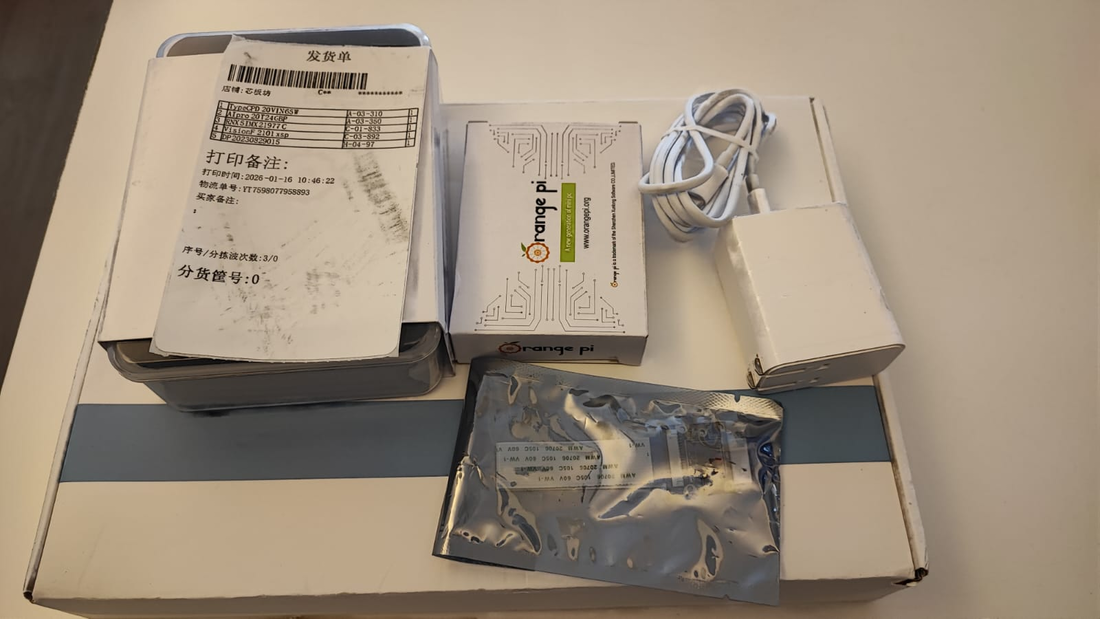
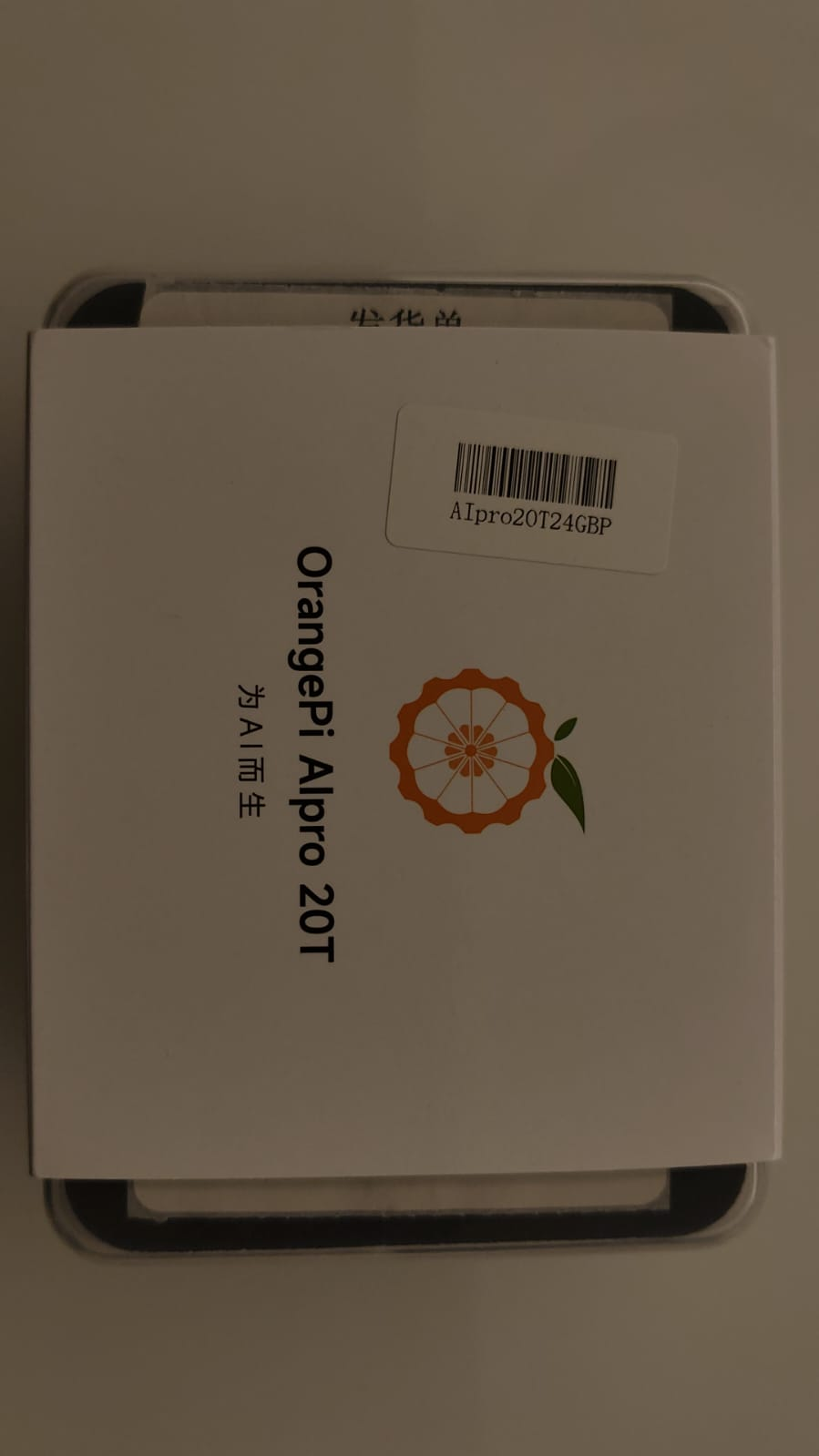
The packaging of the development board pre-installed within the protective casing as shown below.
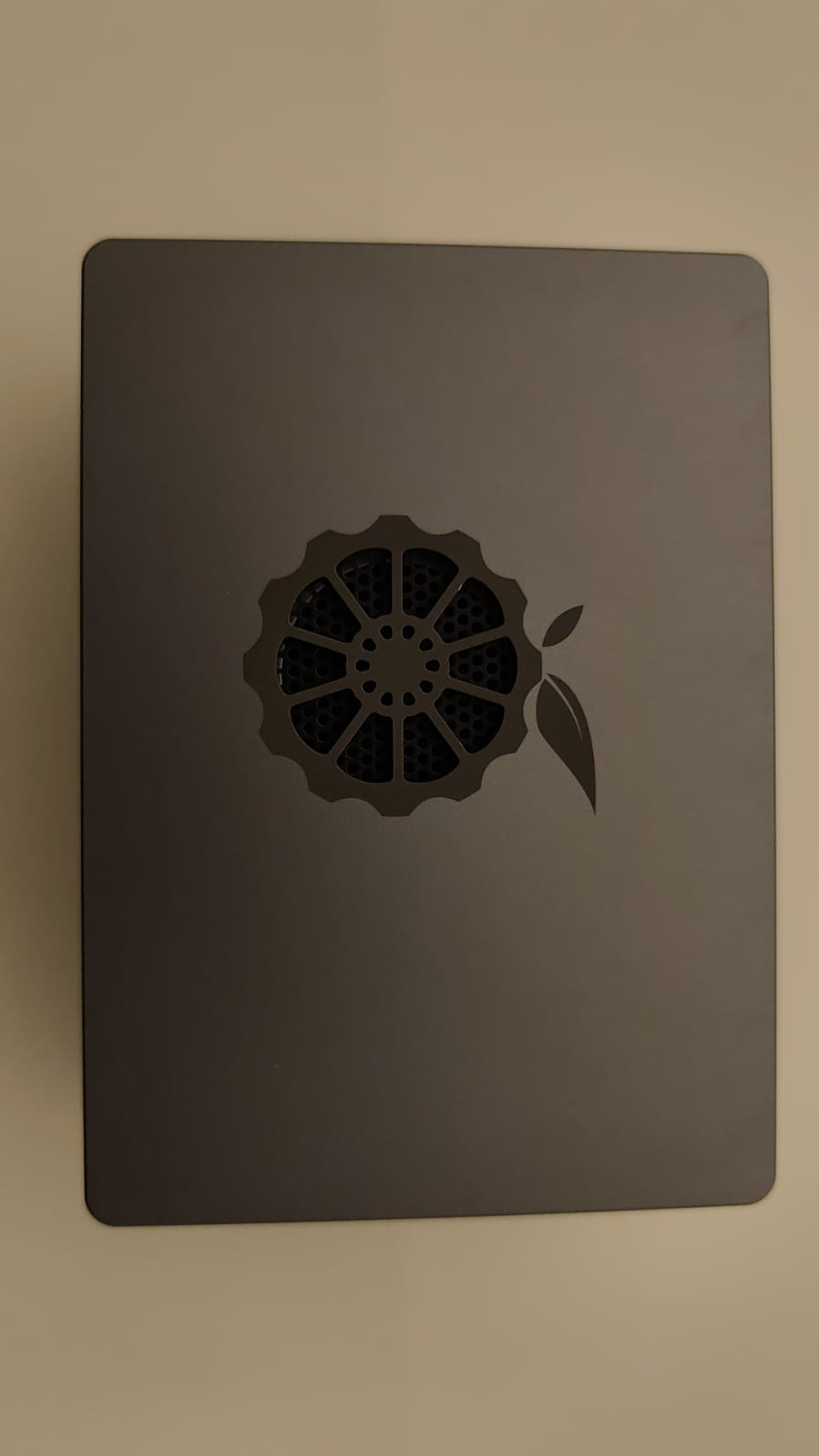
The protective metal casing is simple and elegant with the Orange Pi logo near the center of the top cover, vertically above the cooling fan attached to the Ascend NPU.
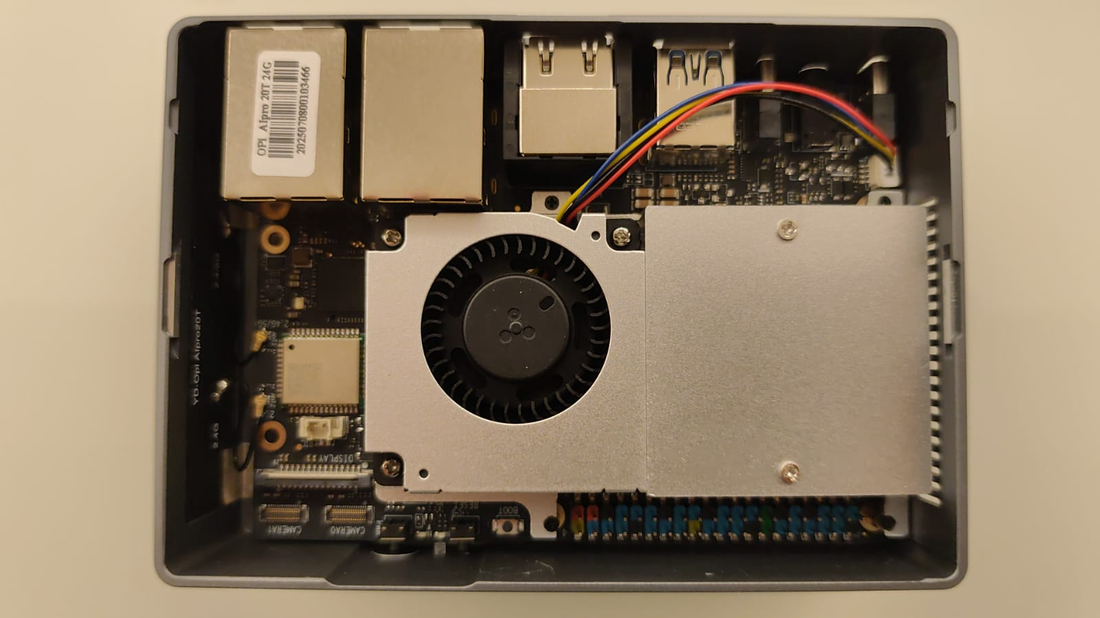
Removing the top cover exposes the development board. All the top-facing components such as the cooling fan and CPU processor are visible.
Installing the base system
Officially supported images for the OrangePi AIpro (20T) include the following operating systems.
- Orange Pi OS based on OpenHarmony
- Ubuntu 22.04 LTS (Jammy) with XFCE desktop
- openEuler 22.03 LTS, a Linux-based server operating system from Huawei, now part of the OpenAtom Foundation
The board was initially set to boot from TF card. While it’s possible to run the Orange Pi entirely from TF card, it’s recommended to use the TF card as an initial boot device to write the OS image to a more durable and permanent storage solution such as the 256G eMMC module I purchased or an NVMe / SATA SSD.
For this, I purchased a TF card reader compatible with my MateBook Pro laptop and used it to write the initial bootable OS image to the TF card. Unfortunately, I had issues booting the board with the Orange Pi OS image so I wrote the Ubuntu image instead and successfully booted to a login console.
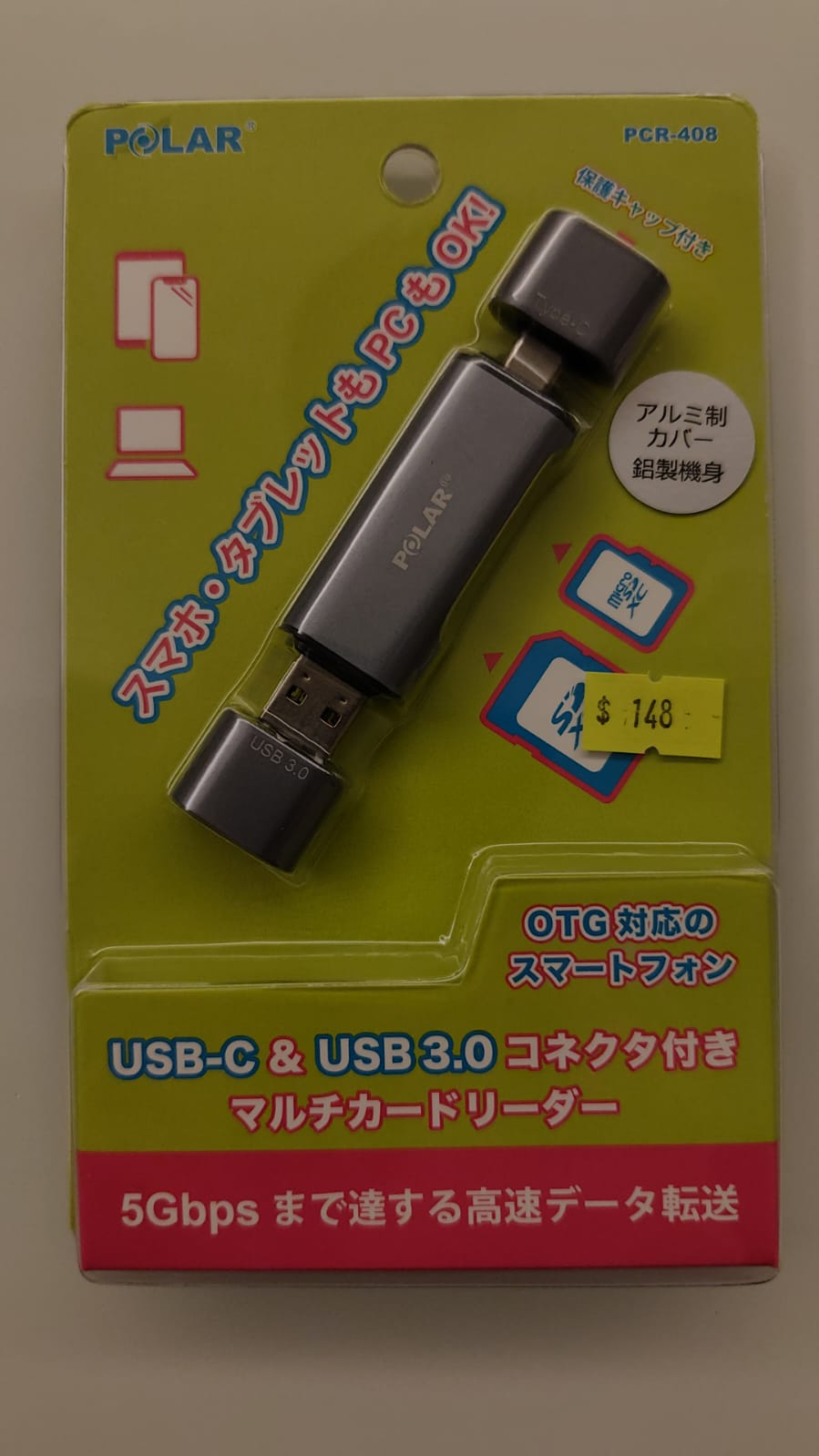
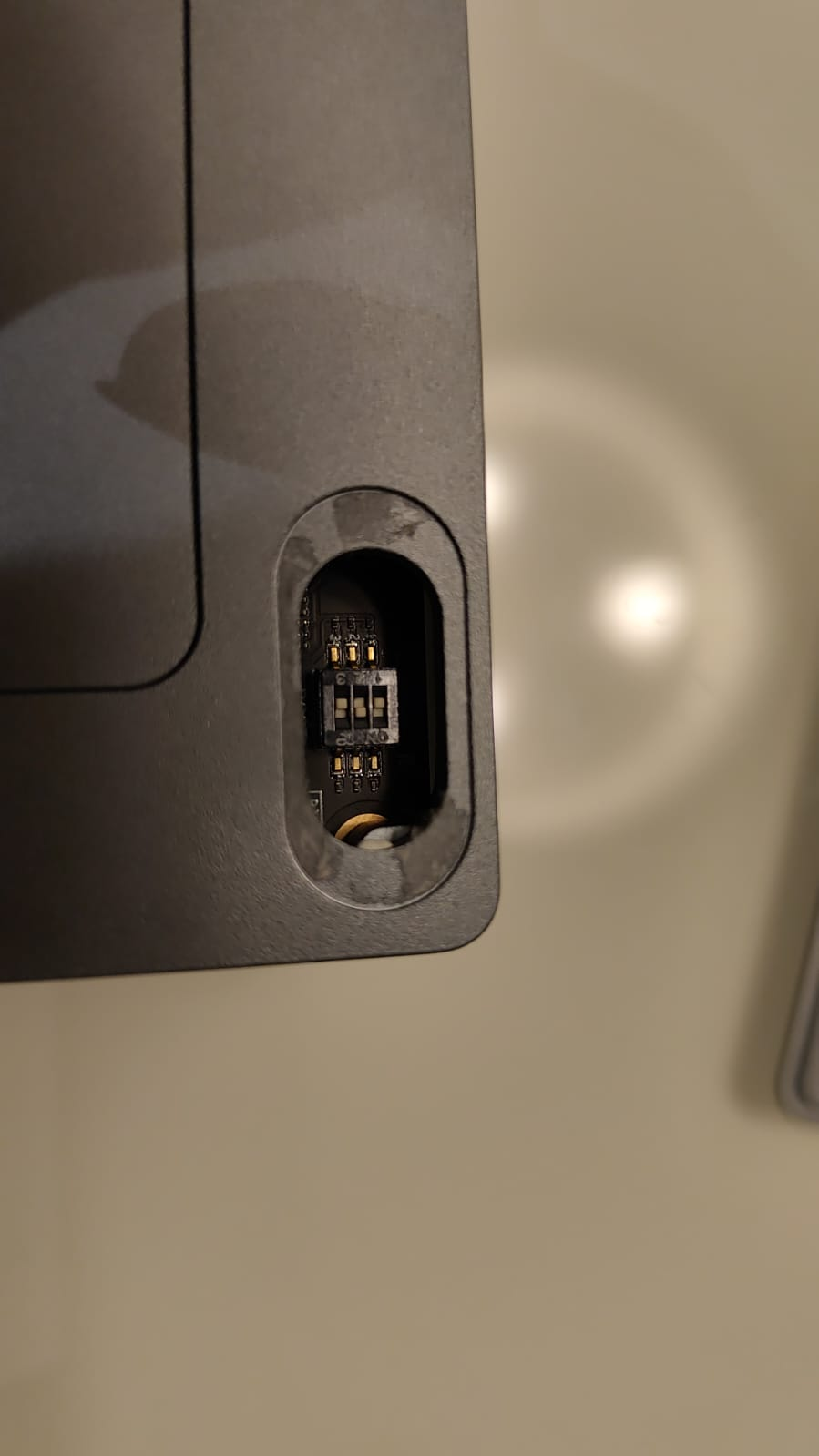
With that, I downloaded the Ubuntu image again from my ephemeral TF card environment and wrote it to the eMMC module I purchased and installed manually to the back of the development board. I then powered off the board and flipped the boot order switch at the back of the development board to instruct it to boot from the eMMC module.
Upon powering on the board a second time, the persistent Ubuntu installation written to the eMMC module was up and running.
The boot order switch at the back of the development board as shown below. Unlike conventional PCs or servers, there is no boot menu to choose which device and operating system to boot into on each power cycle.
Exploring the Orange Pi: image, included software and issues encountered
Once I set up my development board via a serial connection to connect to my home Wi-Fi, the SSH service was already pre-enabled so I performed all subsequent tasks via SSH. One minor issue I encountered was that the Orange Pi’s wireless connection encountered frequent stability issues so every once in a while, the SSH connection would hang for a few seconds before resuming.
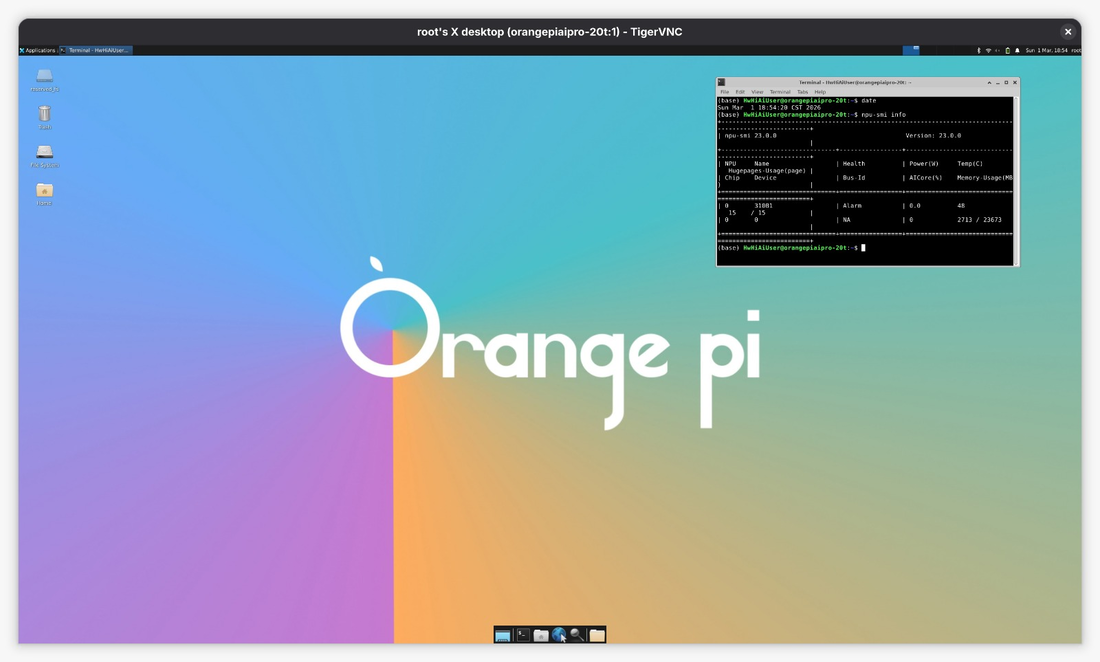
TightVNC was also pre-installed in the Ubuntu image but not configured. I configured it and the Orange Pi desktop was accessible through VNC without connecting the display monitor, except the wireless stability issue made it unreliable and impractical for daily use. Fortunately, most tasks can be performed directly via the command line or through a web interface so VNC is not strictly necessary, plus I can use the display monitor directly for tasks requiring graphical operation.
Included with the Ubuntu image are examples of model training, serving and inferencing optimized for the OrangePi AIpro (20T). The provided examples are made accessible to students and hobbyists in the form of Jupyter notebooks, a common web environment and IDE used by data scientists and AI/ML practitioners alike.
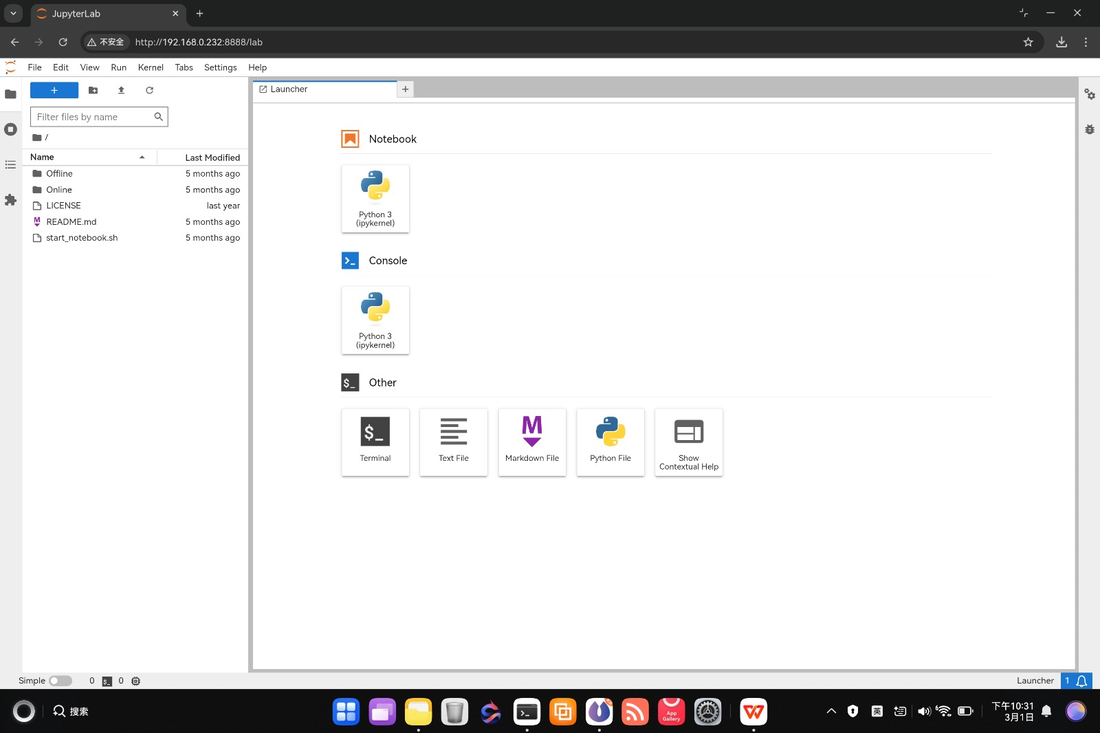
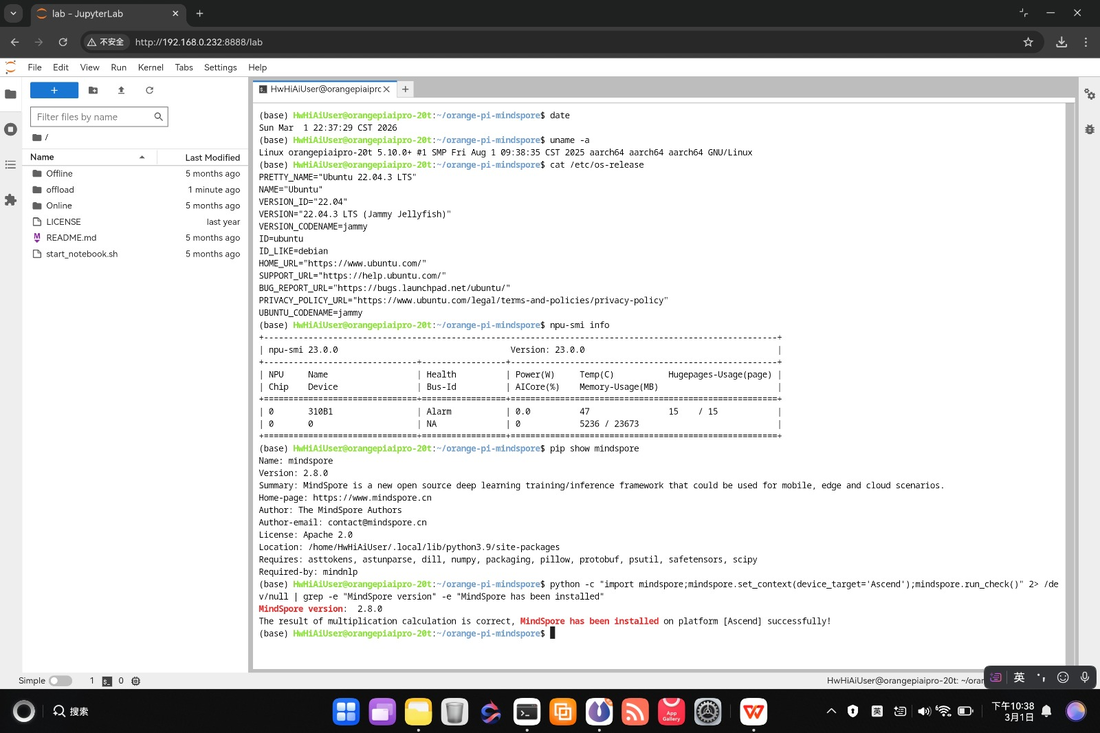
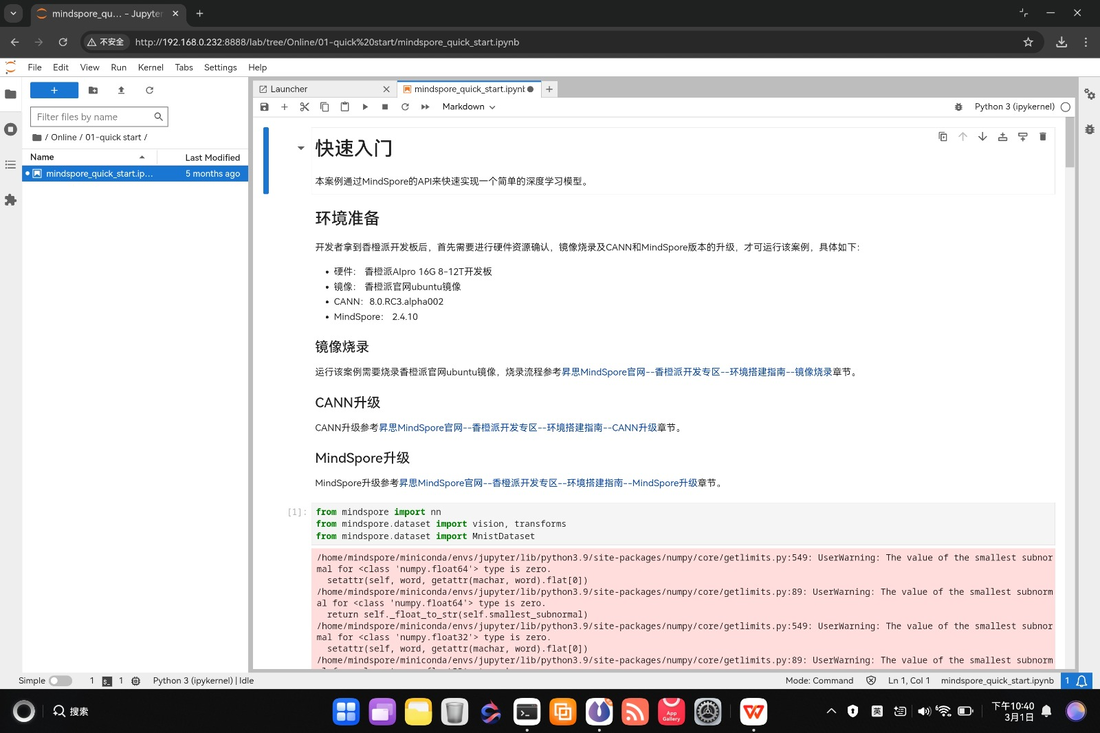
The updated collection of examples are available on GitHub: mindspore-lab/orange-pi-mindspore
Environment setup: hardware and software info
The CPU processor is ARM-based and its 4 cores support (re-)allocation and configuration as control, data or AI cores based on Ascend technology. The NPU chip is also based on Ascend technology and can be used by AI/ML workloads via the CANN framework to accelerate model training and inference. CANN stands for “Compute Architecture for Neural Networks”, a framework designed for the AI-native era as its name suggests with a rapidly evolving ecosystem as of 2026.
Unfortunately, running the npu-smi info command to verify the health of my
Ascend NPU chip revealed 2 hardware-related errors and my chip was stuck in the
“Alarm” state.
# Display the health of the 1st Ascend NPU chip in the 1st and only NPU
# processor
npu-smi info -t health -i 0 -c 0
The output I got as shown below.
        Health Status                  : Alarm
        Error Code                     : 80E3A203 80F18003
        Error Information              : node type=LPM, sensor type=Chip
        Hardware, event state=The function of obtaining the current is abnormal
                                       : node type=DDRA, sensor type=RAS State,
        event state=internal config error
On the software end, MindSpore version 2.4.10
was pre-installed on the official Ubuntu image but I upgraded it to 2.8.0
which is the latest stable version at the time of writing. Python is
pre-installed and managed by Conda.
MindSpore recommends running the following Python snippet to confirm that the framework is successfully installed. It is a framework for AI/ML applications developed by Huawei as an alternative to PyTorch, featuring first-class integration with the Ascend CANN ecosystem.
import mindspore
mindspore.set_context(device_target='Ascend')
mindspore.run_check()
The output I got as shown below.
MindSpore version:  2.8.0
The result of multiplication calculation is correct, MindSpore has been
installed on platform [Ascend] successfully!
View on Asciinema

Concluding remarks and going further
Setting up the OrangePi AIpro (20T) for the first time and getting it up to a fully functional system was an educational experience. Unfortunately, due to the hardware errors with the included Ascend NPU chip, I was not able to run the model training and inference tasks successfully from the included sample notebooks.
Once the hardware issue is sorted out, the OrangePi AIpro (20T) should be an excellent companion in my AI/ML journey as an infrastructure and platform engineer.
I hope you enjoyed reading my article as much as I did authoring it and stay tuned for updates ;-)
Subscribe:


![[Valid RSS]](/assets/images/valid-rss-rogers.png)
![[Valid Atom 1.0]](/assets/images/valid-atom.png)